Custom hospitality furniture since 1995 · China & Vietnam manufacturing

What Is an FF&E Schedule? Fields, Ownership and Approval Control

A chair can be item CH-104 in an interior layout, CH-014 in a quotation, “lounge chair” in a sample log and Package 7 on a packing list. Each document may look complete, yet the project has no reliable answer to a simple question: are they all the same approved item?

An FF&E schedule is the controlled item register that prevents that break in identity. Each row gives one furnishing item or controlled variant a stable code, location and quantity basis; links it to the current technical and approval evidence; and exposes its latest authorized state.

The schedule is not valuable because it contains many columns. It is valuable because every drawing, sample, quotation, order, package label, site record and handover entry can point back to the same item lineage.
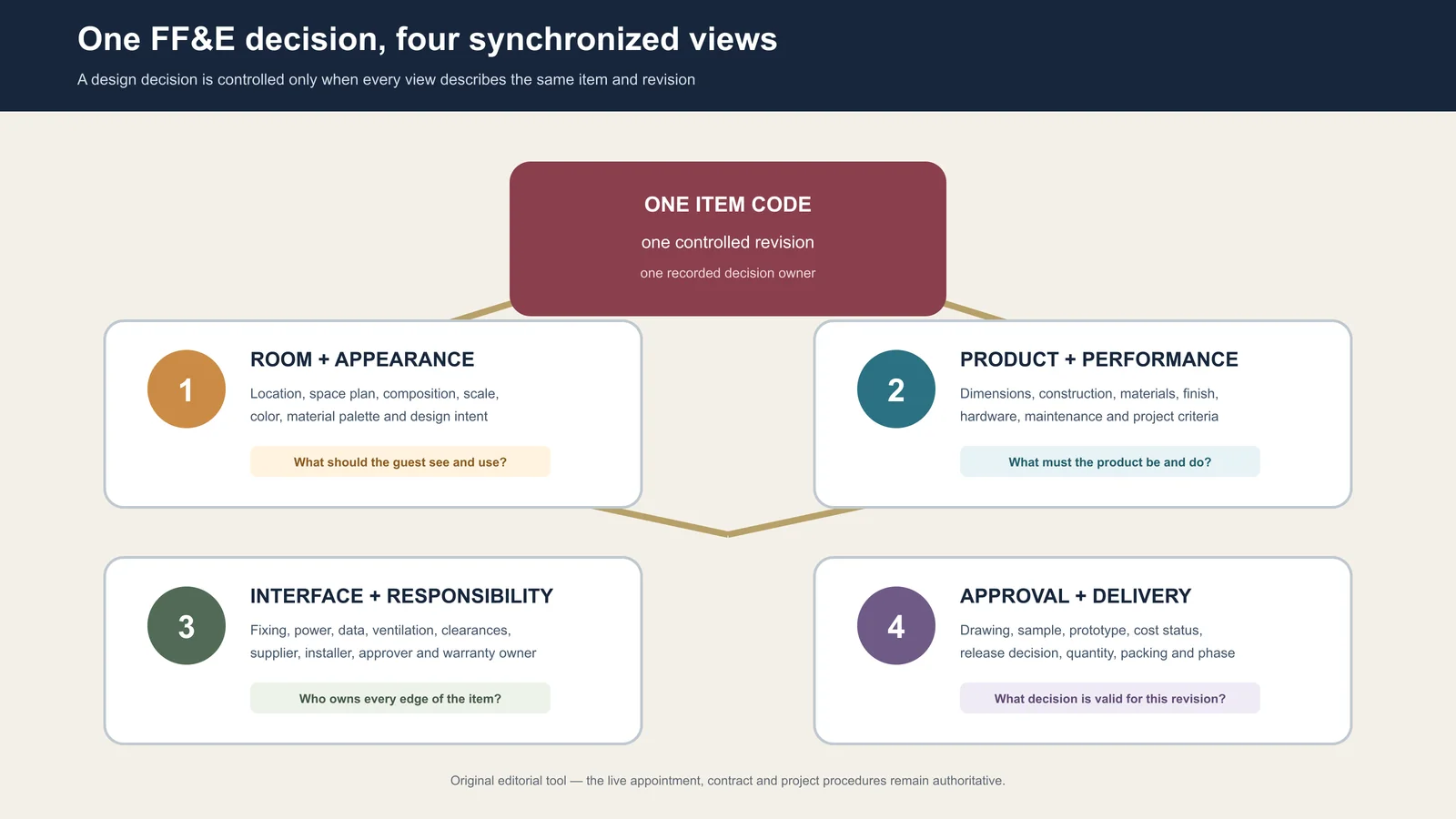
One FF&E item code connected to four synchronized project views
One controlled identity can feed several working views. The schedule fails when those views silently describe different items or revisions.

What does an FF&E schedule control?

In practice, “schedule” can mean a product-selection sheet, an item register or a timeline. For this guide, it means the item-level register. Dates and milestones can appear in it, but the project master programme remains a separate control. Likewise, the schedule should link to specifications, budgets and approval files rather than trying to replace them.

RecordPrimary questionRelationship to the FF&E schedule
FF&E scheduleWhich item, where, how many, against which evidence, and in what state?Holds the item identity and links the other records
Specification or data sheetWhat must the item be, include or achieve?Appears as a controlled document reference and revision
Project programmeWhen must coordinated activities and milestones occur?Receives item or package milestones without becoming an item database
Commercial registerWhat has been quoted, committed, varied and paid under the authorized basis?Reconciles through the same item and package codes; access may be restricted
Asset or handover registerWhat was accepted, where is it, and what operational information follows it?Receives the final scheduled identity and accepted evidence
Depreciation scheduleHow are assets treated for accounting purposes?A separate accounting record outside this article’s intent

Define what one row means before adding columns

The row is the grain of the schedule. If the grain is vague, totals and statuses are unreliable even when the spreadsheet is beautifully formatted.

A useful starting rule is: one row represents one base item in one controlled variant. A variant is necessary when a difference changes a decision the team must track—for example handedness, size, finish, upholstery, service interface, destination package or approval route. A color difference that shares every other decision may remain one base code plus a controlled finish variant. A minibar cabinet with a different appliance opening should normally be separated because the geometry and evidence change.

Before admitting a row, apply five checks:

  1. Identity: Does the item have one unique, durable code and a plain-language name?
  2. Placement: Can the team state the room type, room, zone or repeated location rule?
  3. Quantity basis: Can the count be traced to locations, repetition and authorized spares?
  4. Evidence: Is there a current drawing, specification, selection or other record that defines the present requirement?
  5. Ownership: Is one role responsible for the row and each controlled decision within it?

A placeholder may enter the schedule with open decisions, but it should not imitate a released item. Mark what is unknown, who must resolve it and which next use is blocked.

Build a stable identity spine

The fields that survive from concept to handover form the schedule’s identity spine. Keep them stable even as later views add information.

Field groupMinimum useful fieldsControl question
IdentityItem code, controlled variant, short name, category, packageCan every document name the same object?
LocationProperty, building, floor, room type, room or zone ruleCan the item be counted and found?
Quantity basisUnits per location, location count, spares basis, current quantity statesCan every total be reproduced?
Technical referenceDrawing, specification or data-sheet number and revision; finish or sample referenceWhich controlled evidence describes the current requirement?
Decision stateStatus, reviewed object, authority, date, conditions and open commentsWhat exactly may proceed?
ResponsibilityField owner, transition owner and next action ownerWho can prepare, change, approve or close the data?
Physical lineageSupplier item reference, batch or package code, destination and accepted locationCan the received object be traced back to the scheduled decision?

Do not make a product image, a long description or a supplier model number the primary identity. Those values can change. The project item code should remain the durable key, with supplier and document references attached to it.

Use five views of one record, not five competing schedules

Different teams need different columns. That does not require duplicate master files. Maintain one governed record and issue role-specific views.

  1. Design view: item, location, composition, scale, finish direction and current design reference.
  2. Approval view: required evidence, submitted object and revision, reviewer, authority, decision, conditions and next action.
  3. Procurement view: tender package, comparable quantity, selected basis, supplier reference, commitment state and surviving exclusions.
  4. Delivery and installation view: package identity, destination, shipped and received quantities, zone, installation state and exception reference.
  5. Handover view: accepted location and quantity, final reference set, care or warranty document where contracted, spare identity and open closeout item.

Commercial access can be restricted while the item code remains shared. A site team may not need unit cost, and a designer may not need container data. Both still need the same item identity and approved revision.
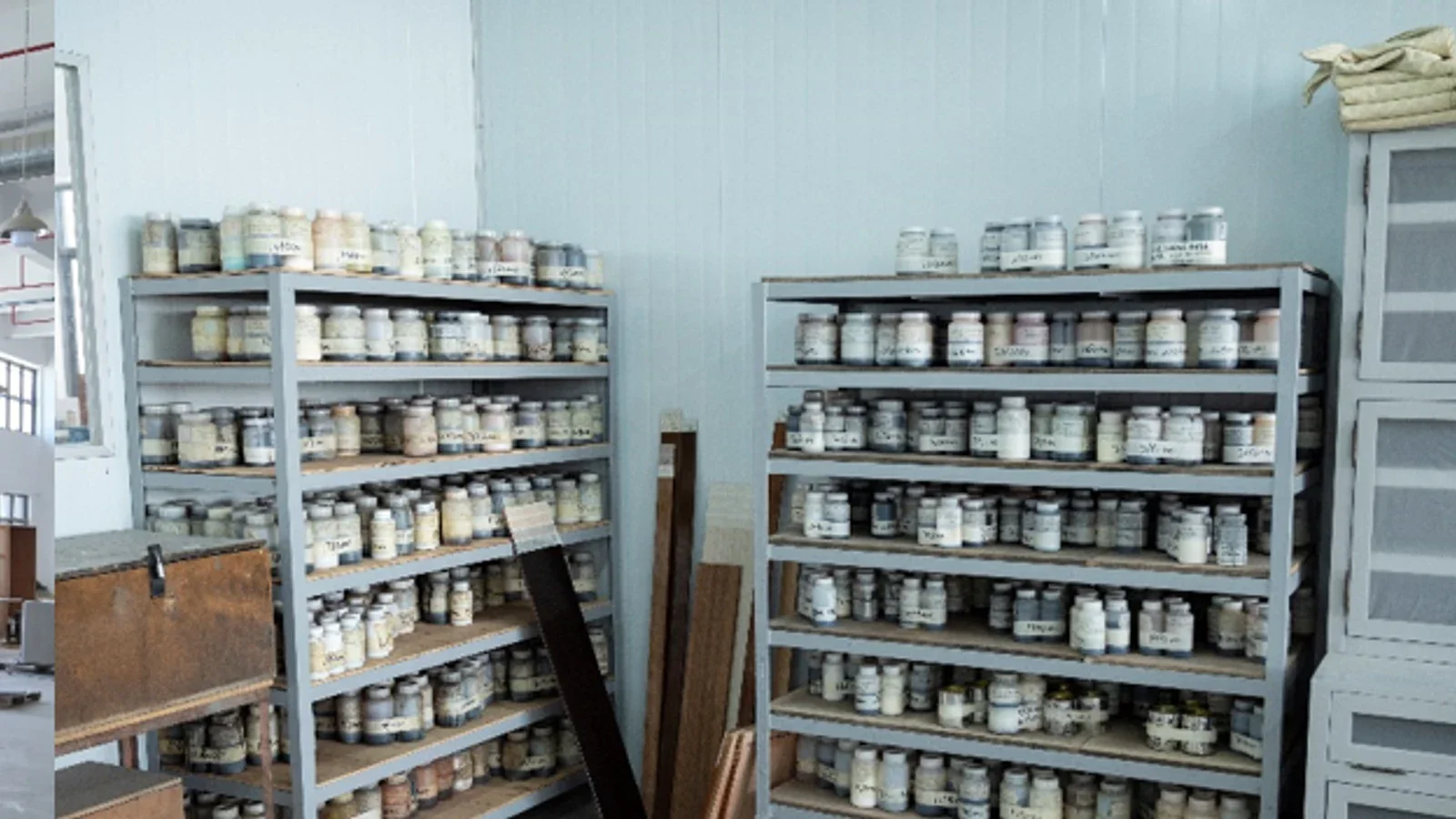
Labeled finish containers and sample boards on storage shelves
A finish direction becomes usable when the project identifies the controlling reference, reviewed attributes, permitted variation and current status.

Keep quantity states separate: a worked example

A single “Qty” column hides the difference between a design calculation and a physical acceptance. Use separate states when the underlying decision differs.

Consider an illustrative minibar cabinet, code CG-214. One approved room type has 18 rooms, each using one cabinet. The owner also authorizes two spares. The planned quantity is therefore:

Planned quantity = 18 rooms × 1 cabinet per room + 2 authorized spares = 20

Quantity stateIllustrative valueEvidence neededDo not infer
Planned20Room-type count, units-per-room rule and spare approvalThat 20 has been bought
Committed20Authorized order or contract line tied to CG-214That 20 has been produced or shipped
Received19Receipt by package, identity, quantity and observable conditionThat all 19 are installed or accepted
Accepted18Accepted location and closeout or exception recordThat the remaining two are lost; one may be a spare and one may remain open

The values are fictional and show the logic only. A live project may add produced, inspected, shipped, damaged, rejected, replaced or installed states. The important rule is that a later update must not overwrite the evidence behind an earlier state.

Reference dimensions and specifications; do not copy them blindly

The schedule needs enough technical data to identify and filter the item, but detailed geometry belongs in the controlled document best suited to show it. Record the drawing or data-sheet number, revision and dimension status. Distinguish design dimensions, supplier-confirmed dimensions and field-verified dimensions where the difference affects fit.
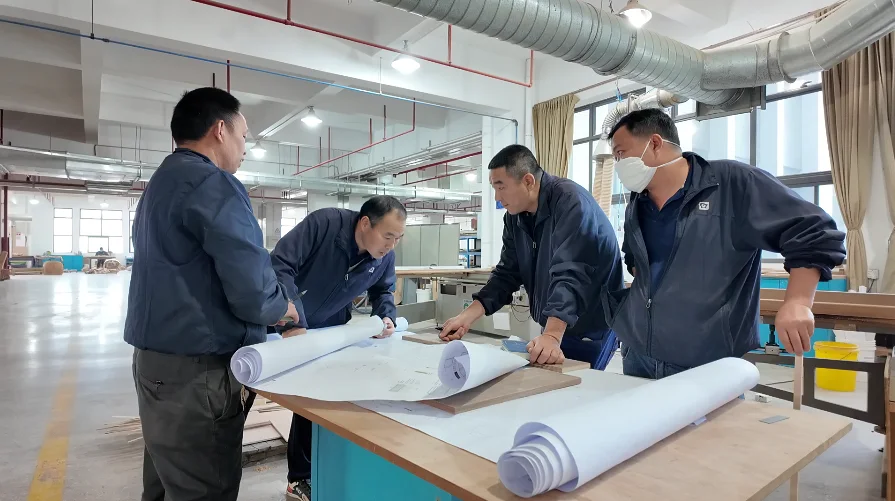
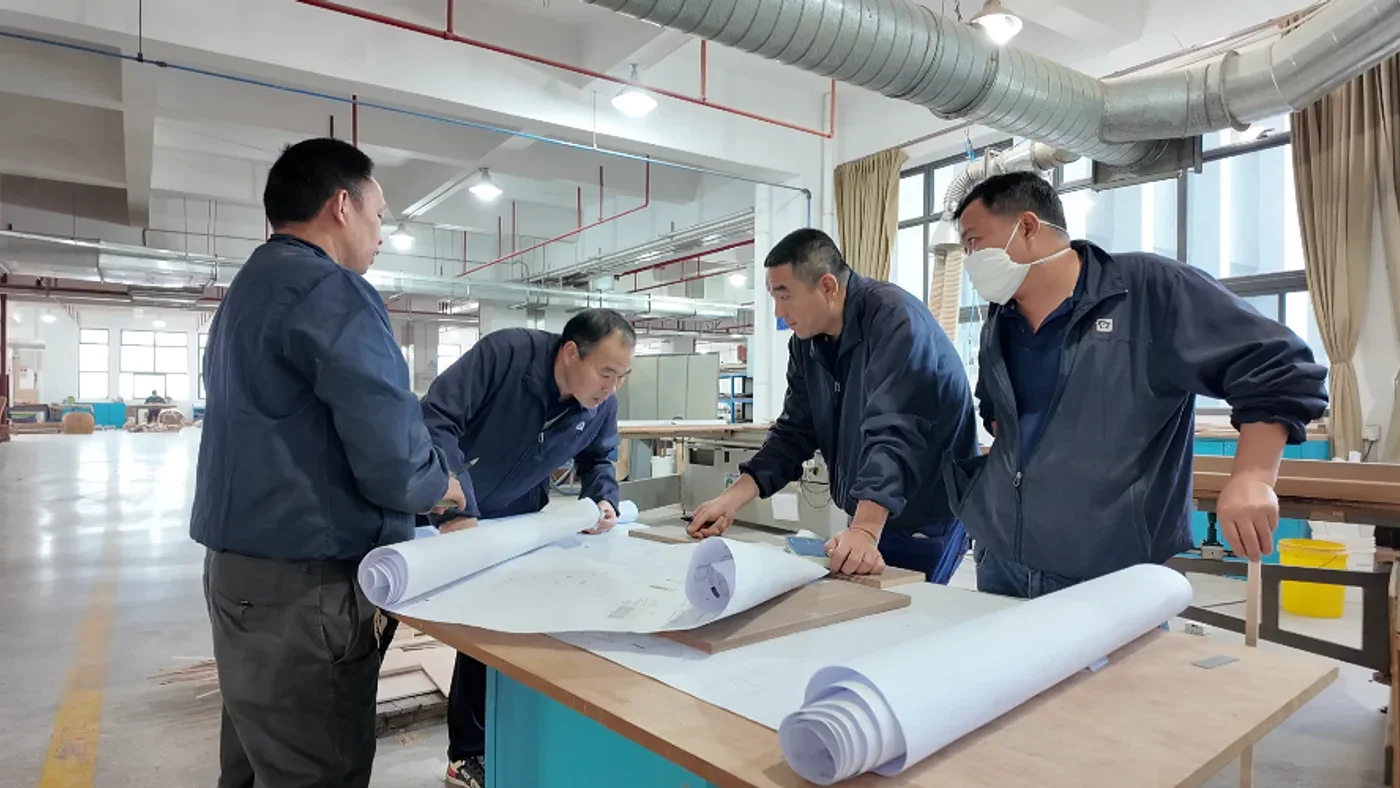
Gainwell team reviewing furniture drawings at a factory worktable
The schedule should name the controlling drawing and revision; the drawing remains the source for the detail it contains.

Copying every dimension, material note and construction clause into the schedule creates two editable sources. When a shop drawing changes but the copied cell does not, the row looks current while describing the wrong object.

For an interface-sensitive cabinet, the schedule might record “overall width—refer to drawing GW-CG214-05, Rev C; appliance opening—field or selected-model input pending.” The drawing holds the geometry. The schedule exposes which reference controls and which decision is still open.

Record approval as a five-part decision

“Approved” is not a self-contained status. A usable approval tuple identifies:

  1. Object: drawing, sample, mock-up, quotation basis or other reviewed evidence.
  2. Revision: the exact issue reviewed.
  3. Scope: the attributes covered—for example finish only, geometry only or full fabrication release.
  4. Authority: the named role permitted to make that decision under the project procedure.
  5. Condition: decision date, open comments, exceptions and the next permitted action.

A finish sample approval should not imply approval of dimensions, hardware or construction. A reviewed drawing should not silently approve an unshown material. Store each decision against the relevant evidence and let the consolidated item state reflect only the actions that are actually permitted.

Change the schedule through a delta record

Do not correct a released row by quietly replacing its old value. Preserve the last controlled baseline and issue a delta that records:

This delta is an editorial planning tool, not a substitute for the formal instruction or contract change. Its purpose is to stop one cell edit from becoming an invisible contradiction across five working views.
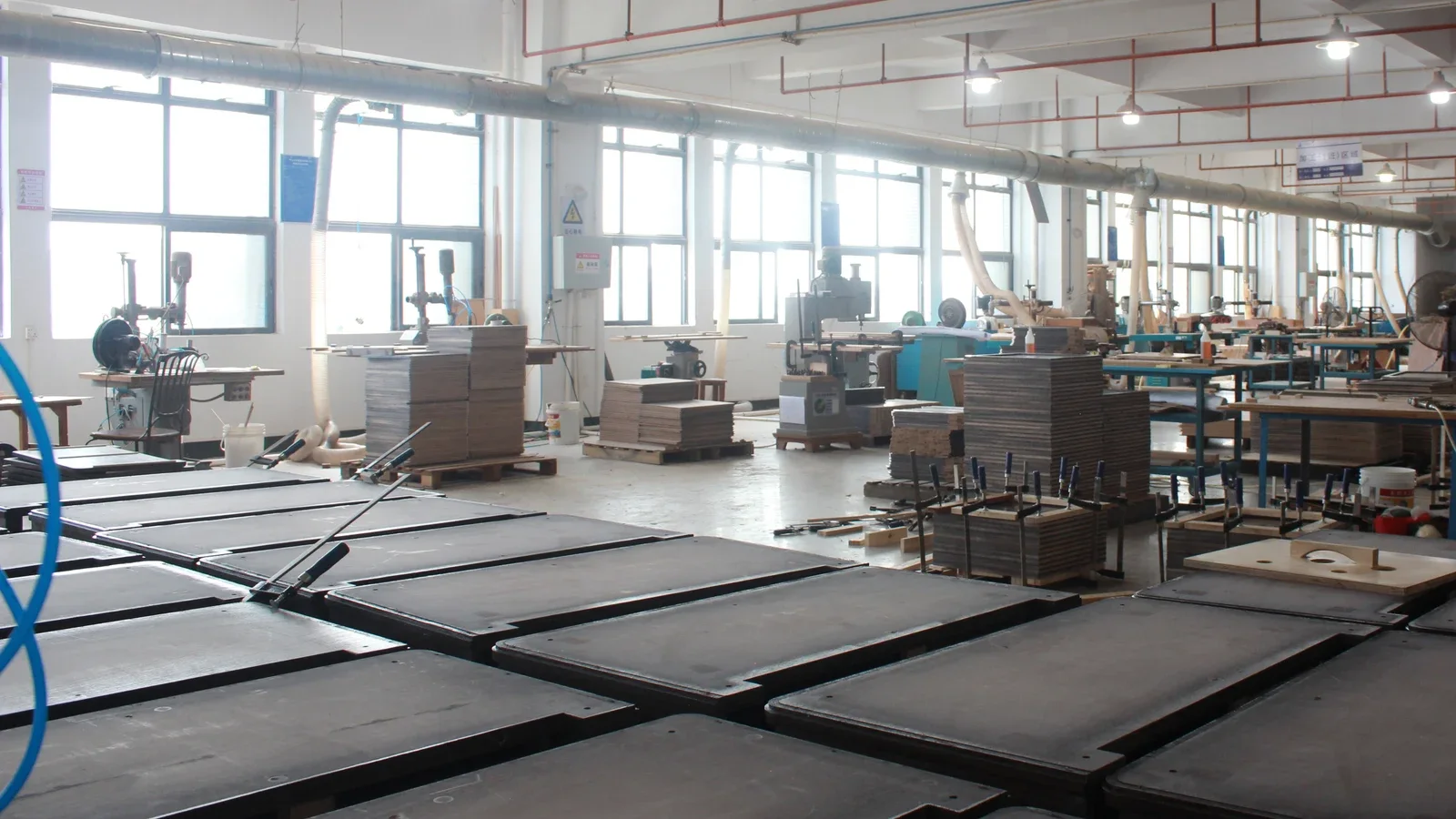
Furniture panels organized in production groups inside a workshop
A management total becomes reviewable only when it can be traced to an asset population, quantity basis, cost boundary and current evidence state.

Assign owners to fields and state transitions

“The designer owns the schedule” is too broad. The designer may own item identity and design references, procurement may own commercial fields, the manufacturer may prepare shop-drawing and production updates, logistics may update custody, and the site or owner team may record acceptance. The appointment and project procedure decide the actual roles.

For each controlled field group, name who may prepare it, who verifies it and who authorizes a state change. Then name the transition owner. Moving an item from “sample submitted” to “finish approved” is a decision; moving it from “approved” to “released for production” may be a different decision with a different authority.

Use controlled status values with written definitions. Avoid color as the only signal and avoid phrases such as “nearly approved.” A useful state must tell another team what can happen next.

Run three reconciliations before issuing the schedule

  1. Location-to-quantity: Recalculate totals from room types, zones, repeated locations and spares. Investigate every manual override.
  2. Evidence-to-state: Test whether the current drawing, specification, sample and approval records support the published item state.
  3. Digital-to-physical: Select received or installed items and confirm that package labels, locations and exception records resolve to the scheduled code and variant.

A schedule can pass one test and fail another. The room count may be correct while the drawing revision is stale. The delivery count may reconcile while three pieces have the wrong variant. Record each failure as a named exception instead of forcing the row to display a reassuring green status.

Close the lineage at handover

Handover should not create a new asset identity. Carry the scheduled code into the accepted location and connect the final approved reference, accepted quantity, outstanding exception, care information, spare code and warranty document where these are part of the contracted deliverables.

Close a row only when the project’s completion rule is observable. “Installed” may mean placed in the correct room; “accepted” may require inspection and closed exceptions; “closed” may require documents and spare information. Define those meanings before site reporting begins.

What should you send Gainwell for a schedule review?

Gainwell’s current product directory covers custom loose furniture, casegoods, seating, tables, outdoor and specialty products, plus architectural millwork and fixed furniture. Its public capabilities workflow describes shop drawings, material and finish coordination, prototypes or samples, manufacturing checkpoints, inspection records, project coding, packaging and delivery support.

Those are company-level capabilities, not an automatic scope for every project. For a useful review, provide the current item schedule, room and area counts, drawing and specification index, dimension status, finish direction, approval route, destination and the exact technical, manufacturing or delivery responsibilities you want assessed.

Start with one representative repeated item and its controlled variant rather than sending an unqualified workbook. Share the FF&E schedule and project brief with Gainwell so the team can confirm which inputs, deliverables and services fit the live proposal.

FF&E Specifications: What to Include Before RFQ and Production

An FF&E package can be detailed enough to price and still be unsafe to manufacture. For RFQ, manufacturers need a common basis that makes inclusions, exclusions and uncertainty comparable. For production, they need every critical attribute tied to an authorized value or bounded reference, a verification method and a current release.

That distinction is the purpose of an FF&E specification. It converts design intent for one furniture, fixture or equipment item into controlled requirements. A good specification does not remove every unknown at the first issue; it shows which decisions are fixed, which are intentionally bounded and which remain open—and it prevents an open decision from being mistaken for a production instruction.

Labeled finish containers and sample boards on storage shelves
A finish direction becomes usable when the project identifies the controlling reference, reviewed attributes, permitted variation and current status.

What is an FF&E specification?

An FF&E specification is the controlled statement of what an item must be, what variation is allowed, how important attributes will be verified and which current references authorize the requirement. In a custom hospitality furniture project, the specification may point to drawings, material or finish references, hardware information, interface data, approved samples and project-specific evidence.

It is not interchangeable with every adjacent document:

RecordPrimary jobWhat it should not be asked to do alone
FF&E scheduleIdentify items, locations, quantities, ownership and project stateCarry all product geometry, construction and verification detail
SpecificationState required, permitted and unresolved item attributesReplace every drawing, sample, contract or professional review
DrawingCommunicate geometry, sections, interfaces and selected construction detailsProve every material, finish, performance or approval condition
Sample or prototypeProvide evidence for the attributes explicitly reviewedApprove attributes that were not inspected or recorded
QuotationState the bidder’s commercial response to the issued basisSilently complete missing design decisions
Release recordAuthorize a named revision and its conditions for the next actionMake an obsolete or unresolved reference current

One current FF&E design/purchasing system offers a useful illustration of this separation: its documentation assigns each distinct specification a unique ID, connects the specification to objects and rooms, and records dimensions, materials or finishes, approvals, submittals and revisions in different fields. That is one software model—not an industry standard—but it demonstrates why identity, use, requirement and status should not be collapsed into one paragraph. See the FF&EZ specification documentation.

Test readiness on three axes

Do not judge a specification by page count or the number of filled cells. Test each decision-critical attribute on three axes:

  1. Coverage: has the project addressed the attribute needed for pricing or production?
  2. Certainty: is the attribute fixed, intentionally bounded or still open?
  3. Traceability: can a reviewer find the controlling value, reference, revision, decision owner and verification route?

The weakest relevant axis controls the issue decision. A fully described finish with no identifiable control sample has a traceability gap. A drawing with precise geometry but an unresolved site interface has a certainty gap. A long specification that omits an important service access requirement has a coverage gap.

This three-axis test is an editorial planning model, not a certification or numerical quality score. Use the project’s own approval terminology and contractual requirements.

Ask eight questions about each item

The depth varies by product, but the following question map exposes most missing decisions without forcing every item into the same template:

Question lineWhat the specification must clarify
Identity and applicationWhich item or family is this, where is it used and which variants are genuinely equivalent?
Form and fitWhich dimensions, orientation, clearances, geometry and coordinated interfaces matter at this issue?
Visible intentWhich profile, proportion, pattern direction, color, sheen, texture and transition must be preserved?
Material or systemWhich exposed and concealed selections must be named, and where may a proposed alternative be evaluated?
Use and functionWhat operation, access, maintenance, cleaning or guest-use condition must the item support?
External interfacesWhich building, service, adjacent-finish, installer or other supplier information controls fit and responsibility?
VerificationWhat drawing, declaration, sample, prototype, inspection or project-required evidence will answer each material claim?
Commercial and release boundaryWhat is included, excluded or assumed, and who may approve a deviation or release the next stage?

Not all lines belong in one cell or document. The specification can point to controlled sources. What matters is that the reader can follow the reference without guessing which file or revision governs.

Gainwell team reviewing hotel furniture drawings in the factory
A furniture package should connect its room or area demand to the current drawing, finish, interface and decision record.

Write requirements that can be answered

For every important attribute, write a requirement that contains enough structure to receive a clear response:

Item or component + observable attribute + required value or bounded reference + verification route + exception route.

For example, “premium walnut finish” is not answerable because “premium” has no shared decision rule. A project-ready direction might instead identify the visible components concerned, the authorized finish reference, which attributes the reference controls, how comparison will occur and where a proposed deviation must be recorded. The project team—not a generic template—must supply the actual reference and acceptance conditions.

Use five writing checks:

Mark every important attribute fixed, bounded or open

Uncertainty is manageable when it is visible. Give each decision-critical attribute one of three states:

An open field is not automatically a failure at RFQ. It becomes a failure when bidders would have to invent materially different bases and the project has not supplied a common assumption or comparison method. A production-critical open field is a hold: manufacture should not start on the affected scope until the project-authorized route closes it.

Use different thresholds for RFQ and production

Decision lineRFQ-ready conditionProduction-ready condition
Item and populationItem/family, application and comparable quantity basis are statedReleased item codes, variants and authorized quantities point to current records
Geometry and interfacePricing envelope, design references and unresolved interfaces are visibleProduction geometry and critical interfaces point to authorized drawings and field information
Materials and finishRequired direction, inclusion basis, alternate rules and sample-development scope are statedAuthorized material and finish references cover the required attributes and current production scope
Function and project requirementsUse conditions and responsible-party requirements are identified sufficiently for a comparable responseApplicable requirements, evidence route and accepted exceptions are closed for the released scope
EvidenceRequired submittals, samples, prototypes or declarations and their commercial treatment are statedRequired evidence has the recorded status needed by the project’s release procedure
Commercial boundaryInclusions, exclusions, assumptions and alternates can be normalizedThe awarded and approved scope matches the released technical baseline
Revision and authorityIssued RFQ set and query route are identifiableAuthorized release, revision set, conditions and deviation register are identifiable

“RFQ-ready” does not mean “final,” and “approved sample” does not necessarily mean “production-ready.” Apply the project’s contracts and release procedure; these thresholds are a planning aid.

Rows of upholstered lounge chairs in a Gainwell production area
Repeatability is controlled by the current drawing, approved material and finish references, recorded prototype deltas and defined production checks—not by visual memory alone.

Issue a quote-basis card with the RFQ

A short quote-basis card makes uncertainty comparable without copying the full specification. For each bid item or package, record:

This card does not replace bid normalization. It gives that process a controlled technical basis and makes a “no exception” response meaningful.

Worked example: pressure-test a hotel bedside unit

Assume the project is developing a custom bedside unit coded NT-204. The following example contains placeholders rather than product instructions. Replace every bracketed reference, value and authority with the project’s approved information.

Decision linePossible RFQ issueWhat must mature for production
Identity and useNT-204; applicable room family; left/right variant basis; pricing population from [issued schedule]Released variants and quantities reconciled to the authorized room/item records
Envelope and room fitConcept geometry and bounding envelope from [drawing/revision]; site interface listed as an open queryAuthorized shop drawing identifies critical dimensions, orientation and coordinated interface information
Visible finishDesign direction, exposed component list and allowance for finish-sample developmentControl reference [sample ID/status] names the attributes reviewed and any permitted variation
Hardware or accessRequired function, included component basis and alternate-response ruleAuthorized hardware or construction reference, location, operation and required verification are linked
Service interfaceScope boundary identifies the responsible designer/consultant and a common assumption for pricingApproved coordinated interface, supply boundary and required specialist review are recorded before affected work
Packing and identificationPricing basis states assembled/knock-down assumption, destination logic and included protectionReleased pack method, component relationship, label data and destination code point to the current item

Now apply the three-axis test. If the finish has a reference but no defined coverage—color only, for example—the attribute lacks coverage for sheen, texture or other project-required visible decisions. If the service interface has a concept location but no responsible authority, it lacks certainty. If the geometry says “per approved drawing” but the drawing number and revision cannot be found, it lacks traceability.

The issue decision follows the weakest relevant line. The item may remain suitable for a qualified RFQ if all bidders use the same stated service-interface assumption. It is not ready for production on that interface until the authorized information closes.

Treat every sample as a scoped answer

A sample answers only the questions the review record assigns to it. A finish panel may answer selected questions about visible color, sheen, texture or transitions. It does not automatically approve dimensions, hidden construction, hardware, service interfaces, packaging, performance or every later production unit.

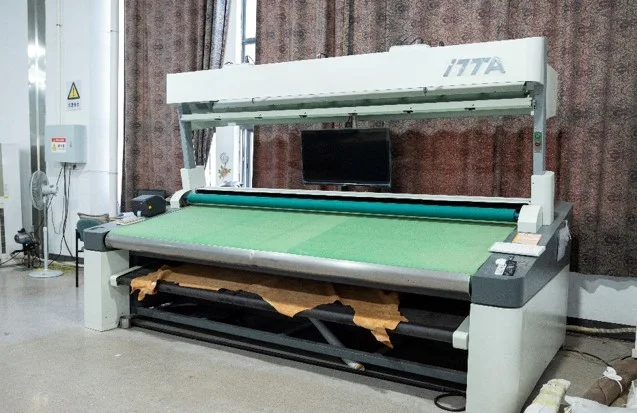
Fabric laid across a wide inspection machine
The specification should name what is to be observed, when it is checked, which reference controls and how an exception is recorded.

For each sample or prototype used as specification evidence, identify:

The image above shows fabric on inspection equipment. It does not prove a test result, material identity or project approval. Its useful lesson is procedural: a fabric requirement needs an observable check, a controlling reference, a stage and an exception record.

Resolve conflicts through a query, not a silent hierarchy

Schedules, specifications, drawings, samples, quotations and comments can disagree. Do not invent a universal precedence rule; the contract and responsible project team must establish the applicable authority.

When a conflict appears, create one query that records the affected item and attribute, conflicting references and revisions, pricing or production impact, temporary hold or common assumption, decision authority, answer and all records that need reissue. A manufacturer should not choose the most convenient source and call the conflict resolved.

Furniture panels organized in production groups inside a workshop
A management total becomes reviewable only when it can be traced to an asset population, quantity basis, cost boundary and current evidence state.

Run a six-line production release checksum

Before releasing an item or affected component, verify six connected lines:

  1. Population: item code, variants, destinations and released quantity basis.
  2. Requirement set: current specification, drawings and applicable project instructions.
  3. Physical references: samples or prototypes and the attributes each one controls.
  4. Evidence state: required submittals, reviews, inspections or specialist confirmations at the status required for release.
  5. Exceptions: approved deviations, conditional comments, open items outside the release and their boundaries.
  6. Authority: named release, date, revision and party permitted to authorize the next stage.

If one line points to an obsolete or unidentified record, the checksum fails for the affected scope. Hold that scope or issue a deliberately limited release; do not describe the entire item as production-ready.

Reopen only the attributes affected by a change

A later change does not always invalidate the whole item. Compare the proposed change with the six-line checksum, identify affected attributes and reopen only the connected drawings, references, evidence, commercial basis, quantities or interfaces. Preserve the earlier decision record so the team can see what changed and which work may already have relied on it.

For example, a new finish selection may reopen the visible-finish requirement, control sample, quotation impact and inspection reference while leaving an already coordinated overall envelope unchanged. If the finish process changes dimensions, substrate preparation, interface or performance requirements, the affected boundary is wider. The responsible project parties decide that scope.

What should you send Gainwell for a specification review?

Gainwell’s current hospitality product directory covers loose, upholstered and fixed furniture categories, while its capability workflow describes technical development, shop drawings, prototypes, material coordination, manufacturing controls, packaging and project coding. Its casegoods and storage page includes the type of bedside units, wardrobes, minibars and cabinetry that may require item-specific definition. These are first-party capability statements, not a promise of the live project’s scope, evidence, programme or compliance.

For a useful review, send the item register, current concept and technical drawings, room/area and quantity basis, material and finish directions, sample status, use conditions, interface information, project-specific requirements, RFQ or production target, open-decision list, approval route and required response format. Share the controlled FF&E specification package with Gainwell so the team can confirm applicable development inputs, assumptions, services and responsibility boundaries.